 EasySay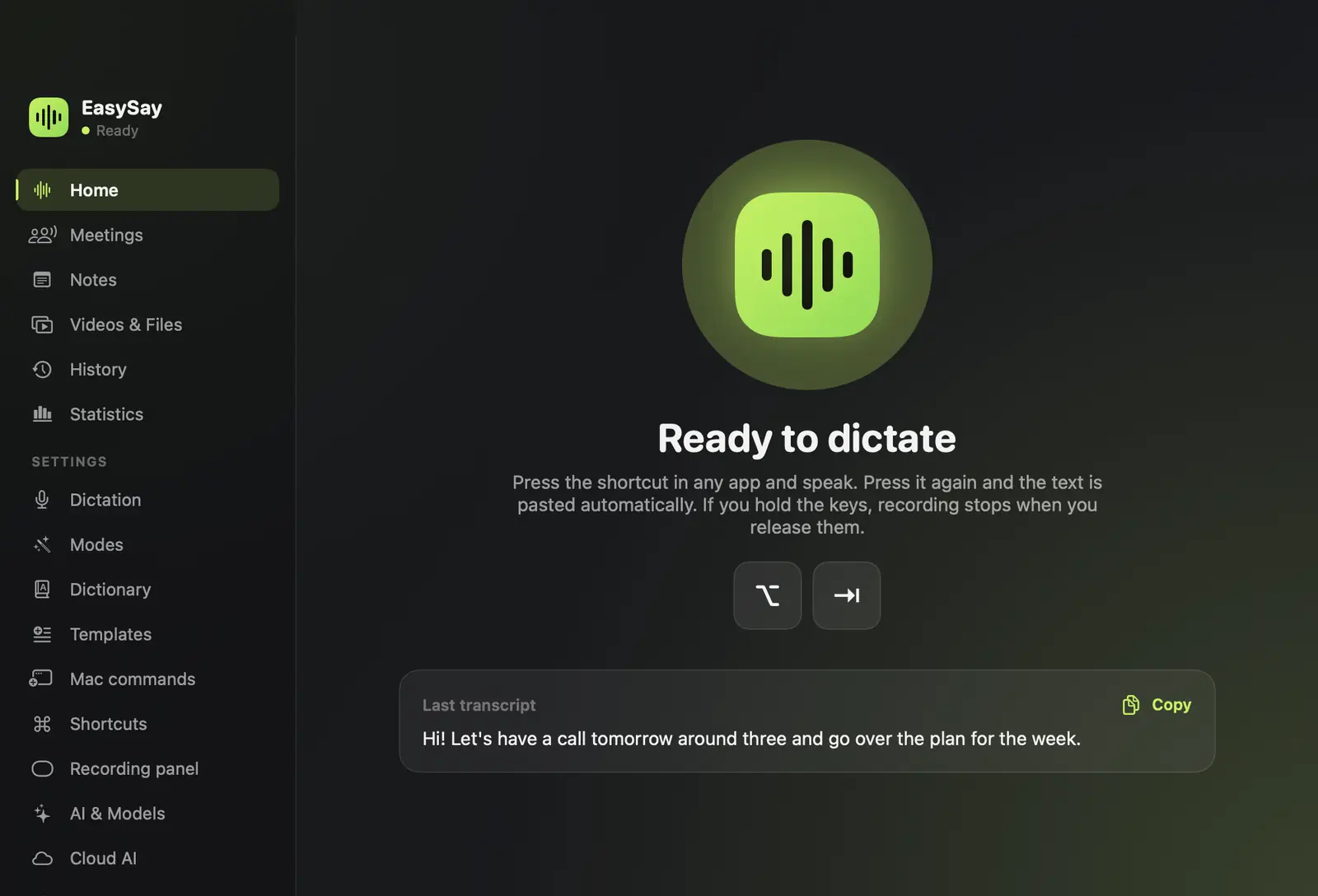
Voice to text
right on your Mac
Dictate in any app, transcribe videos and calls, get a short summary. Recognition runs on your computer, so your voice and texts never leave it.

See how it works
A whole folder of videos
to text and subtitles
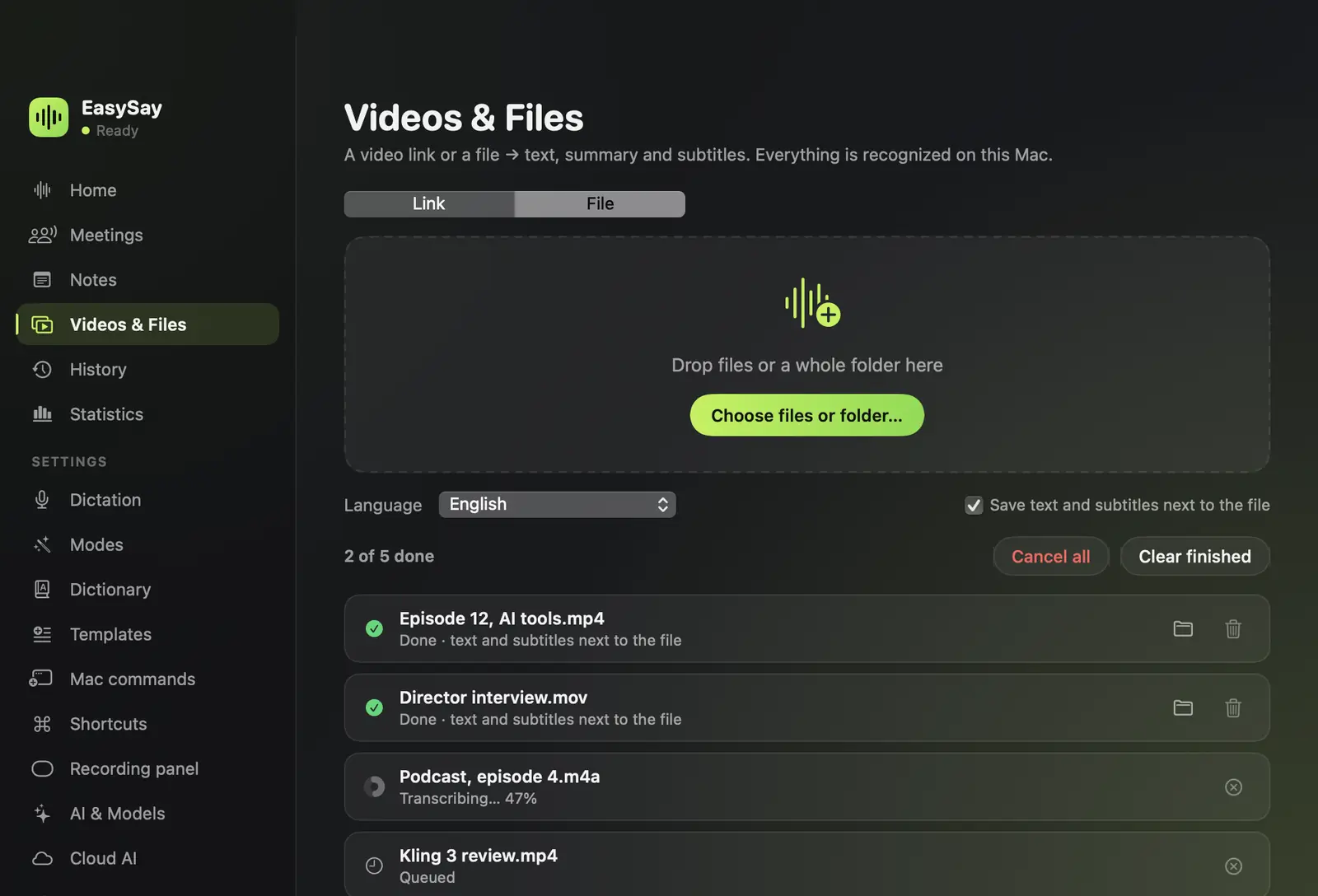
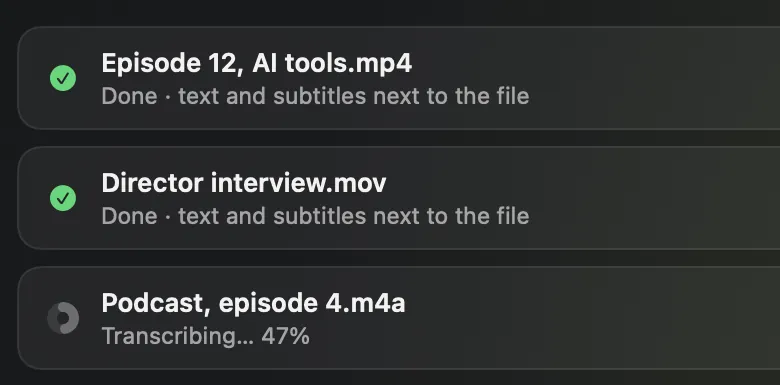
Paste a link or drop a folder of clips. EasySay transcribes them one by one and saves the text and subtitles next to each file.
- YouTube and other video sites, several links at once
- Hundreds of files at a time, with progress for each
- Ready subtitles for editing and clean text
- A short summary of a long video, and translation
A short summary
after every call
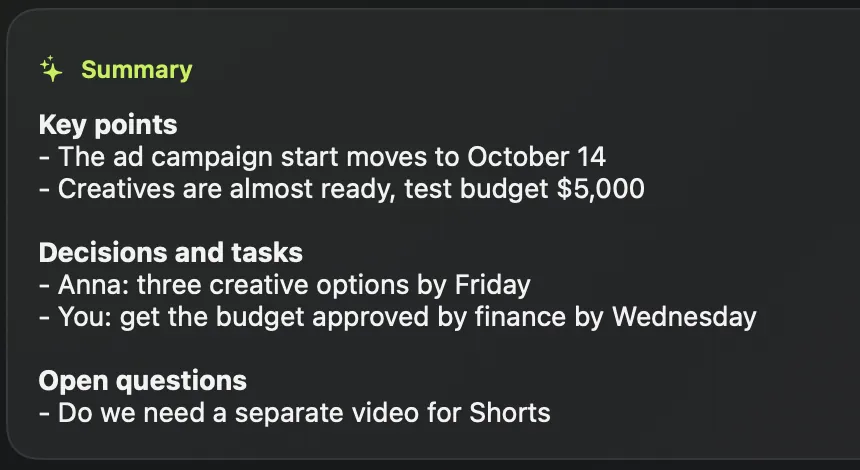
EasySay records the conversation in Zoom, Meet, Telegram and other apps, transcribes it and writes down what matters. No bots join your call.
- Who said what, with timestamps
- Key points, decisions, tasks and open questions
- Ask the recording: “what did we decide on the budget?”
- The recording and transcript stay on your Mac
In any app.
Even in a whisper.
Press ⌥ Option + Tab, speak and press again. The text appears where your cursor is: with punctuation and without the “umm”.
- Messengers, mail, documents, ChatGPT, Cursor
- Understands mixed languages and technical terms
- Your own vocabulary: names and brands spelled right
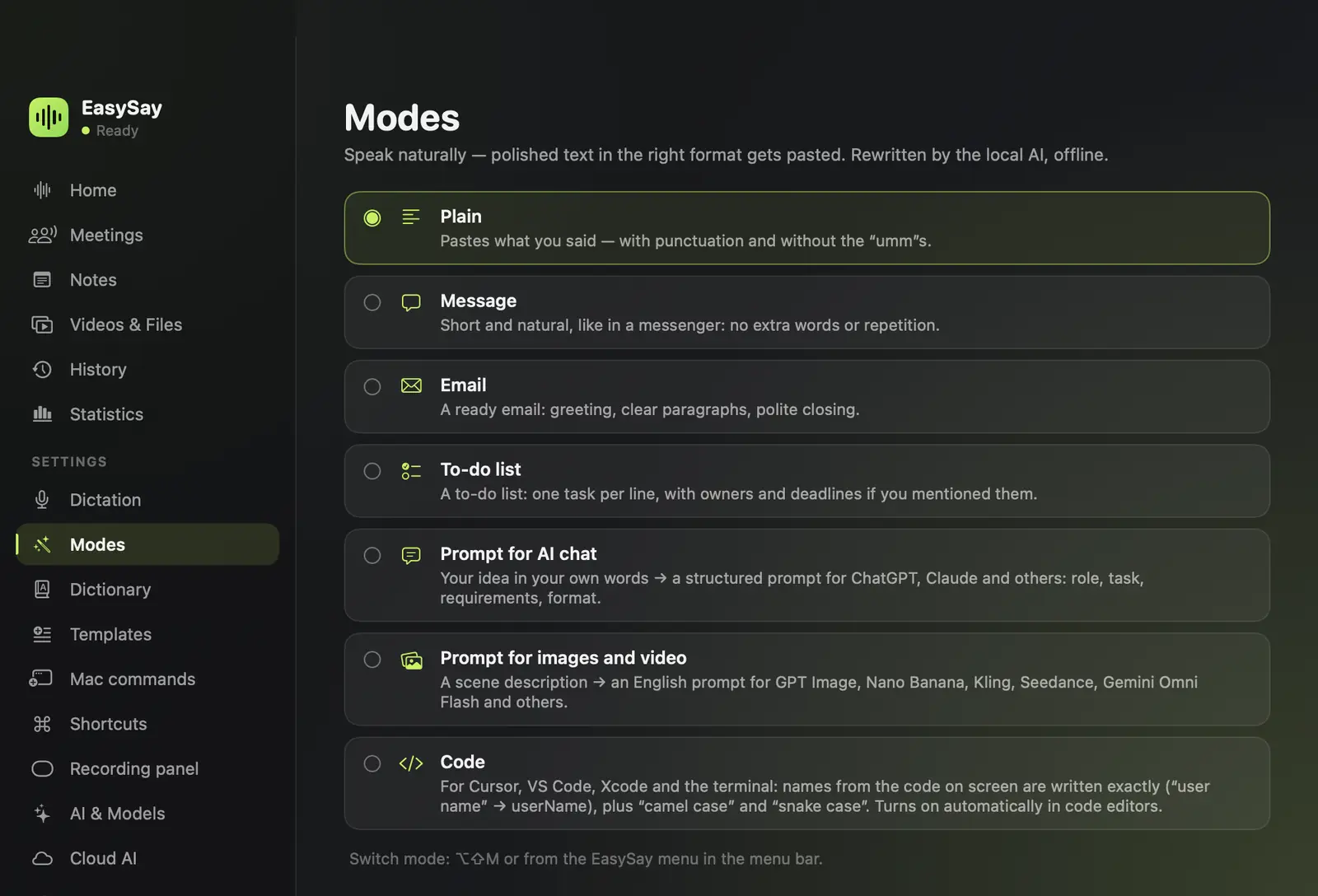
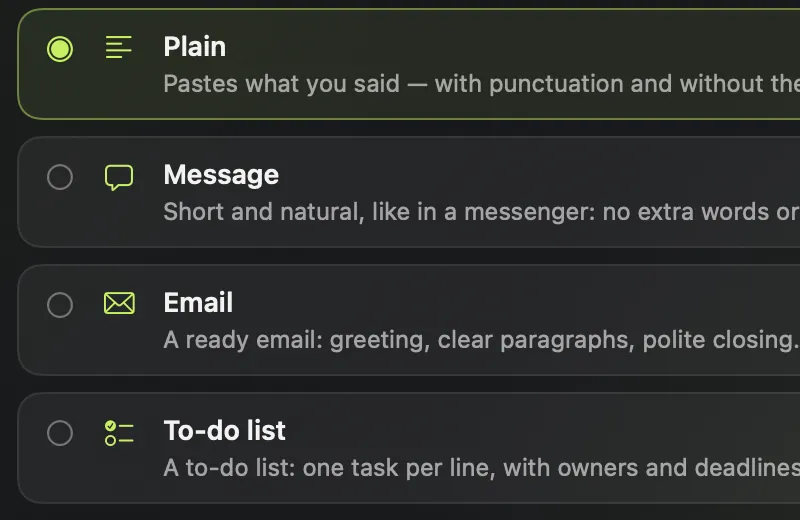
- Modes: message, email, to-do list
Everything happens
on your Mac
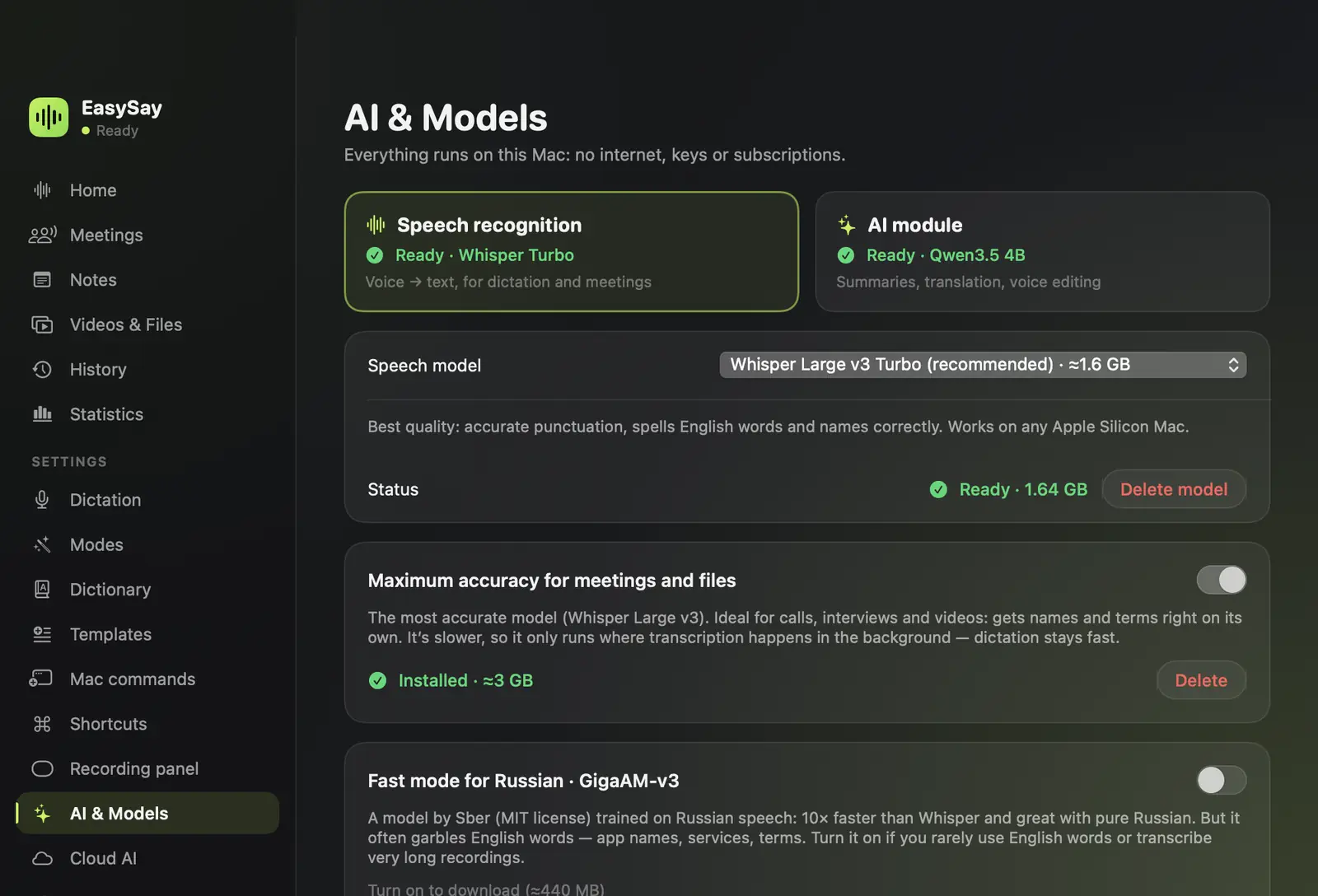
Speech is recognized by models running right on your computer. Recordings, transcripts and summaries stay with you. By default not a single word goes online, and in private mode even the history isn’t saved.
Works offline
Dictation, meetings and file transcription work on a plane or with bad Wi-Fi. Models are downloaded once.
No sign-up, no analytics
No account needed. We don’t collect your recordings, texts or usage stats.
Cloud only if you want it
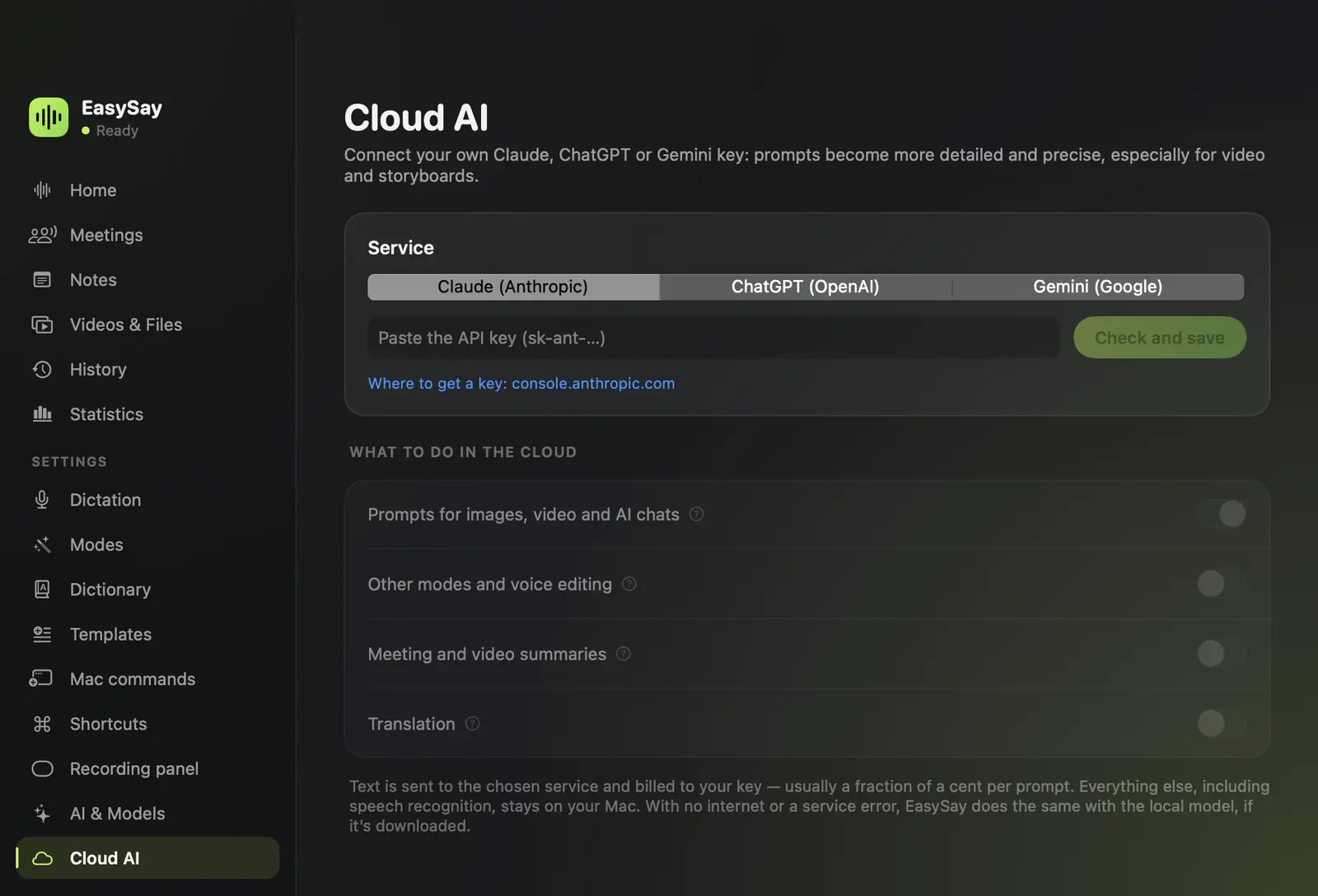
For extra detailed prompts you can add your own Claude, ChatGPT or Gemini key. Without a key nothing is sent.
Describe an idea by voice,
get a ready prompt
Prompt mode turns plain speech into a detailed prompt that follows the rules of image and video generators.
Little things that save hours
Voice translation
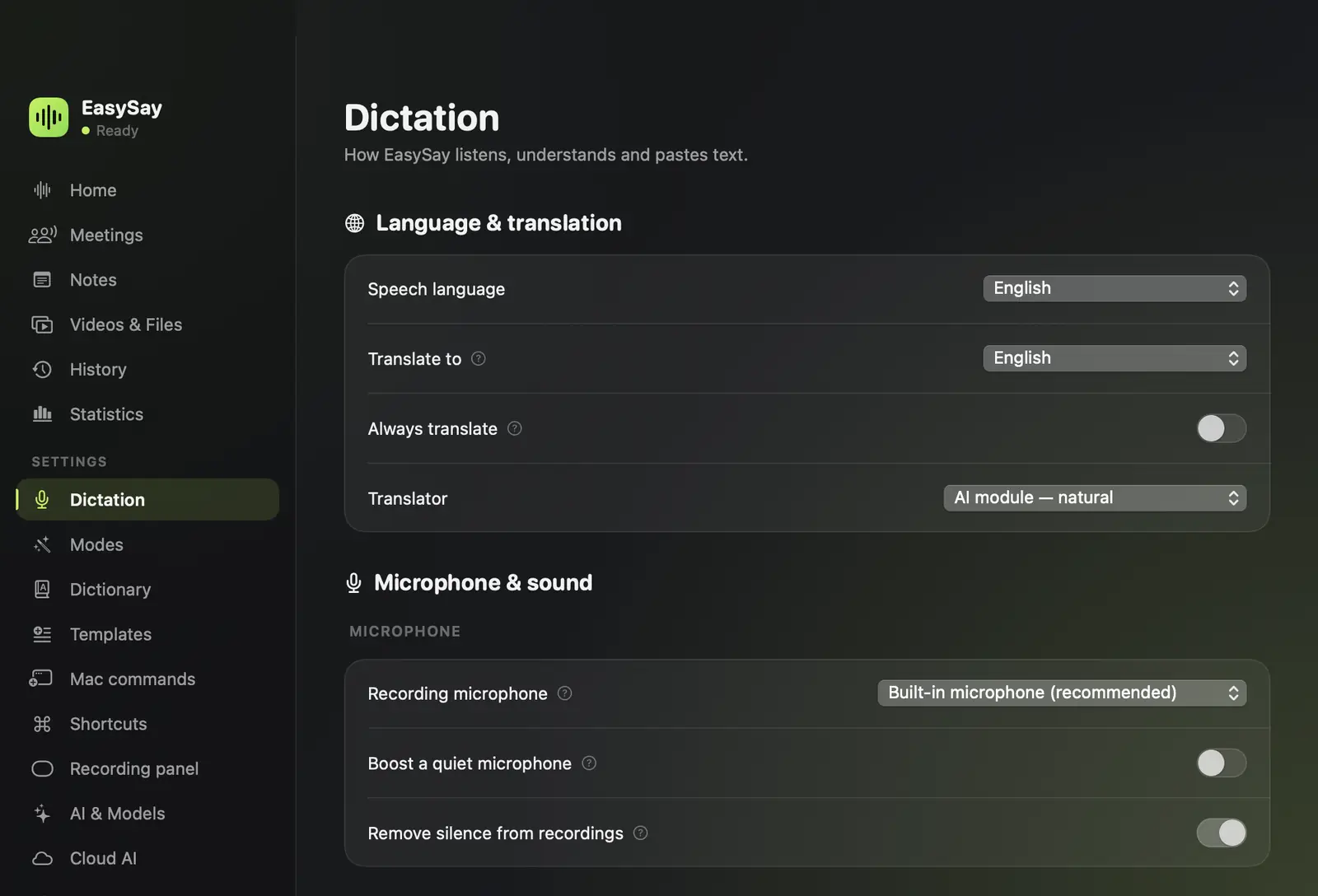
Say “translate to Spanish” and dictate. You get a natural translation, not a word-for-word one.
Snippets
Say “my address” or “bank details” and your saved text is inserted.
Mac commands
“Open Telegram”, “search YouTube”, “pause”. Control your computer by voice.
Voice editing
Select text and say “make it shorter” or “more polite”. It’s rewritten in place.
Code mode
In Cursor and VS Code, names from your code are spelled exactly: “user name” becomes userName.
Private mode
One checkbox and dictations aren’t saved to history. Handy for personal and work topics.
More than built-in dictation
| EasySay | macOS Dictation | |
|---|---|---|
| Dictation in any app | Yes | Yes |
| Transcribe videos, links and whole folders | Yes | No |
| Record calls with summary and tasks | Yes | No |
| Video subtitles | Yes | No |
| Modes: email, message, tasks, prompt | Yes | No |
| Custom vocabulary of terms and names | Yes | No |
| On-device recognition | Yes | Yes |
The short version
Do my recordings really stay private?
Yes. Speech is recognized by models on your Mac, and recordings, transcripts and summaries are stored in the app folder on your computer. EasySay goes online only to download models, check for updates, fetch a video from a link you pasted, and for cloud AI if you added your own key. Details on the privacy page.
Which Macs does it run on?
Macs with Apple Silicon (M1, M2, M3, M4 and later) and macOS 14 Sonoma or later. For local AI modes and summaries, 16 GB of memory or more is best.
How much space does it need?
The app itself is about 15 MB. The speech model is downloaded on first launch, about 1.5 GB. Local AI for modes and summaries is another 2.7 GB, optional.
Which languages does it understand?
English, Spanish, German, French, Portuguese, Russian, Japanese, Chinese and dozens more. You can mix languages as you speak.
How long does a video take?
Usually less than the length of the video, depending on the model and your Mac. If a YouTube video has the creator’s own subtitles, EasySay can use them right away.
How does it update?
EasySay checks for updates itself and installs a new version in one click.